


Refresh a creator clip
Pair a talking-head recording with an updated voice track.
Match a speaker’s mouth movements to a separate voice recording.
Per file: up to 30 minutes · 2 GB
MP4
Per file: up to 30 minutes · 2 GB
MP3 / AAC / WAV / M4A / FLAC
Use the shorter video or audio duration.
One clear voice and one unobstructed, front-facing person. No HDR.
Account-protected files, processed in the cloud. Originals: 24 hours · Results: 7 days
Match a speaker’s mouth movements to a separate voice recording.
Pair a talking-head recording with an updated voice track.
Use the full audio. Longer audio repeats the video forwards and backwards.
After upload and submission, the task continues while you work elsewhere.
Platform limits: 30 minutes and 2 GB per input.
40 credits per output minute, rounded up; minimum 3 credits. A 90-second output costs 60 credits.
Your video, audio and result are protected by account permissions.
Match a speaker’s mouth movements to a separate voice recording.
Choose an MP4 with one person facing the camera and a clear voice recording. Check the length of both files.
Keep the shorter duration, or enable looping to use the full audio. Longer audio repeats the video forwards and backwards.
Check mouth movements, facial details, sound and the loop boundary before sharing.
AI-generated illustrations of use cases; not processing results.
Pair a talking-head recording with an updated voice track.
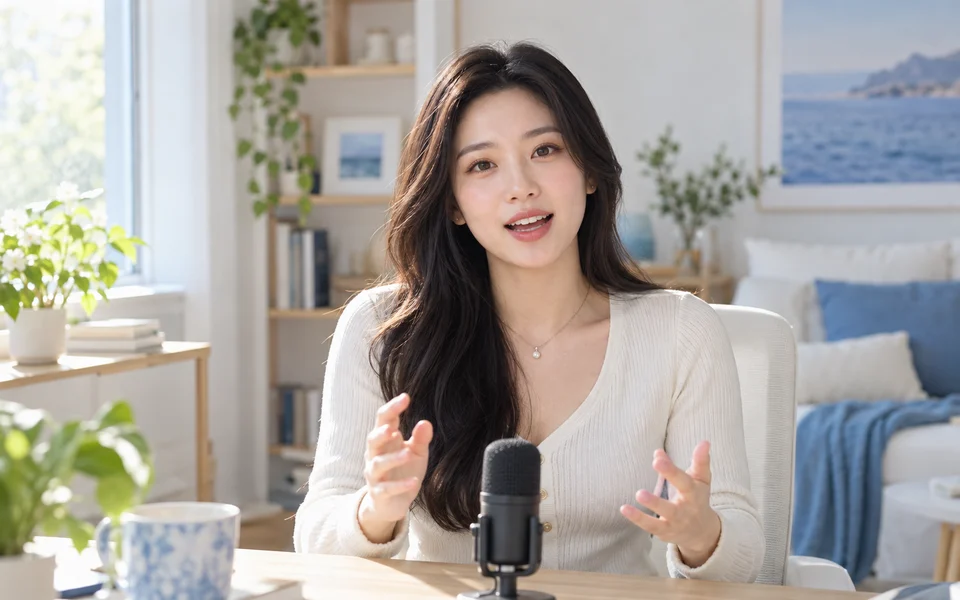
Use a clear narration with a teacher’s existing video.

Match a presenter’s video to your revised spoken introduction.

Both sides use the same voice track: original mouth movements on the left, synced results on the right.
Both sides use the same voice track: original mouth movements on the left, synced results on the right.
40 credits per output minute, rounded up; minimum 3 credits. A 90-second output costs 60 credits.
Sync lipsFiles are checked after upload. Keep your original.
Use an MP4 video with MP3, AAC, WAV, M4A or FLAC audio. Platform limits: 30 minutes and 2 GB per input.
Download the processed video with the supplied voice track. Output is limited to 2 GB; resolution enhancement is not included.
With looping off, the shorter file determines the output length. With looping on, the full audio is used; longer audio repeats the video forwards and backwards.
Use one real person facing the camera, with an unobstructed face, and one clear voice. No HDR. Review the full result.
Prepare and upload your finished voice recording. The tool matches mouth movements to that audio; it does not generate speech or translate it.
File requirements, output duration and downloads explained.