


Automatic face detection
Detect faces throughout the video and apply the selected mask. Review fast motion, small faces and partial occlusion carefully.
Blur or pixelate detected faces while keeping the surrounding scene visible.
Up to 4K · 23.97–60 fps · no longer than 10 minutes
File formats: MP4 / FLV / TS / AVI / MOV / WMV / MKV
Faces are detected throughout the video. Check the result for missed or false detections.
Account-protected files, processed in the cloud. Originals: 24 hours · Results: 7 days
Prepare interviews, events and street footage for safer sharing without losing the surrounding context.
Detect faces throughout the video and apply the selected mask. Review fast motion, small faces and partial occlusion carefully.
Choose pixelated mosaic or soft Gaussian blur, then set low, medium or high strength.
After upload and submission, the task continues while you work elsewhere.
Upload MP4, FLV, TS, AVI, MOV, WMV or MKV. Check the frame-rate, duration and resolution limits before starting.
The quote uses the exact input duration: 5 credits per minute, rounded up, with a 3-credit minimum under 36 seconds.
Your source and result stay behind your account permissions.
Choose a video, set the mask, then compare and download the result.
Choose a video with faces to blur.
Choose a mask style and strength, then adjust the coverage and detection threshold if needed.
Check for missed faces throughout the video, then download it.
Prepare interviews, events and social clips for safer sharing.
Blur a speaker's face while keeping the camera, setting and body language available for review.
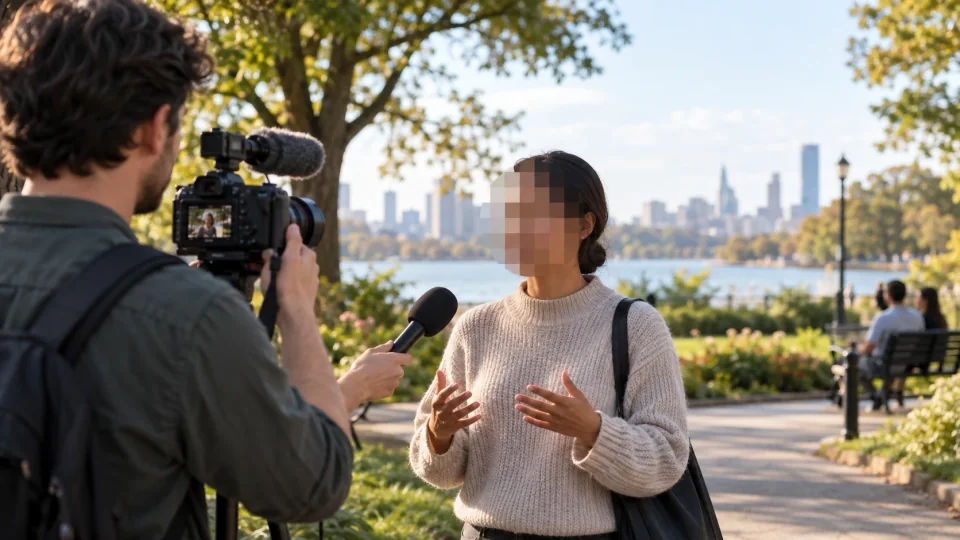
Mask faces in group footage while preserving the table, movement and atmosphere around the people.

Prepare street footage for publishing by softening identifiable faces without hiding the scene itself.
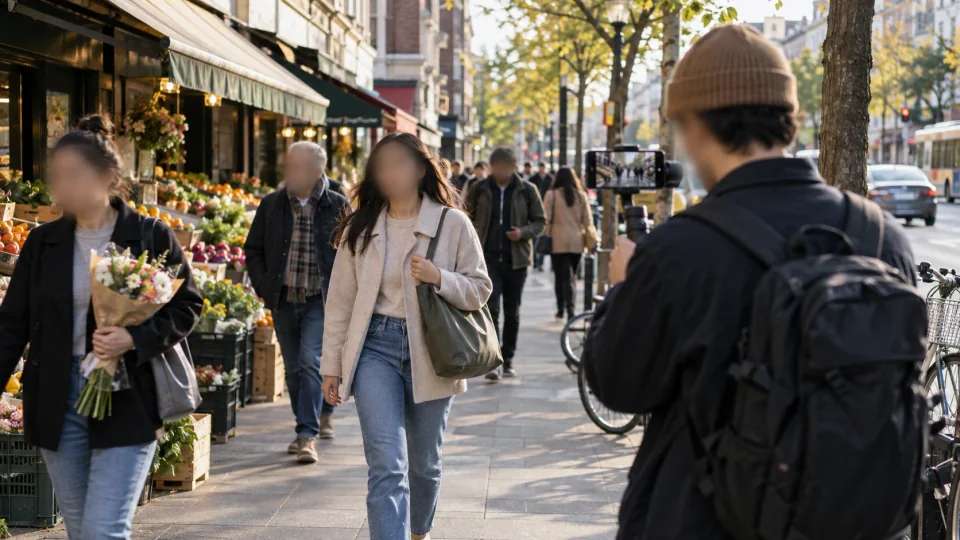
Drag to compare before and after face masking, and see how the face is covered while the surrounding scene is preserved.
The same portrait before and after automatic mosaic masking.
5 credits per input minute. Minimum 3 credits per task.
Blur faces in a videoFiles are checked after upload. Keep your original.
Use MP4, FLV, TS, AVI, MOV, WMV or MKV, up to 10 minutes and 23.97–60 fps. The long edge must not exceed 3840 pixels and the short edge 2160 pixels. A valid extension alone does not guarantee that the file can be processed.
Face blurring keeps the input dimensions and duration target. Each delivered result must be no larger than 2 GB.
The tool attempts to mask all detected faces. Small faces, profiles, occlusion and fast motion can cause missed or false detections. Review the full video before sharing; face masking alone does not remove names, voices or other identifying information.
The current tool applies the selected mask to all detected faces. Person selection and manual regions are not available in this version.
Choose mask settings and understand detection and privacy limits.