


Relative depth across frames
Create a video that represents how foreground and background areas relate in depth as the scene changes.
Turn a video into an HEVC MP4 that visualizes relative depth. Download the depth video for compositing or use it as a reference in compatible AI video tools.
Up to 10 GB and 10 minutes. Long edge up to 2560 pixels and short edge up to 1440 pixels; landscape and portrait supported.
MP4 / FLV / TS / AVI / MOV / WMV / MKV
An MP4 video encoded with HEVC (H.265), showing relative depth. Audio retention is not guaranteed; keep the original soundtrack if you need it. The result uses HEVC. If your browser cannot play it, download it and open it in a compatible player.
Account-protected files, processed in the cloud. Originals: 24 hours · Results: 7 days
Explore the spatial relationships in a scene and bring a depth reference into compatible editing or AI video tools.
Create a video that represents how foreground and background areas relate in depth as the scene changes.
Check object boundaries, overlaps and fast movement throughout the clip before using it in an edit. Relative depth is an estimate, not a distance measurement.
Your video is processed in the cloud after submission.
The result uses HEVC. If your browser cannot play it, download it and open it in a compatible player.
5 credits per input minute, with fractional minutes included. The total is rounded up to whole credits, with a minimum of 3 per task. The checked quote is fixed before processing.
Your uploaded video and result are accessible only through your account.
Choose a clip, confirm the checked quote and download the result.
Up to 10 GB and 10 minutes. Long edge up to 2560 pixels and short edge up to 1440 pixels; landscape and portrait supported. SDR video only.
After the file check, review the credit quote and start processing. The task continues in the cloud.
The result uses HEVC. If your browser cannot play it, download it and open it in a compatible player.
Three ways to explore depth in your workflow, shown with AI-generated concept illustrations.
Use relative depth to study how subjects sit within a scene. Plan your composition with a visual reference for near and far areas.
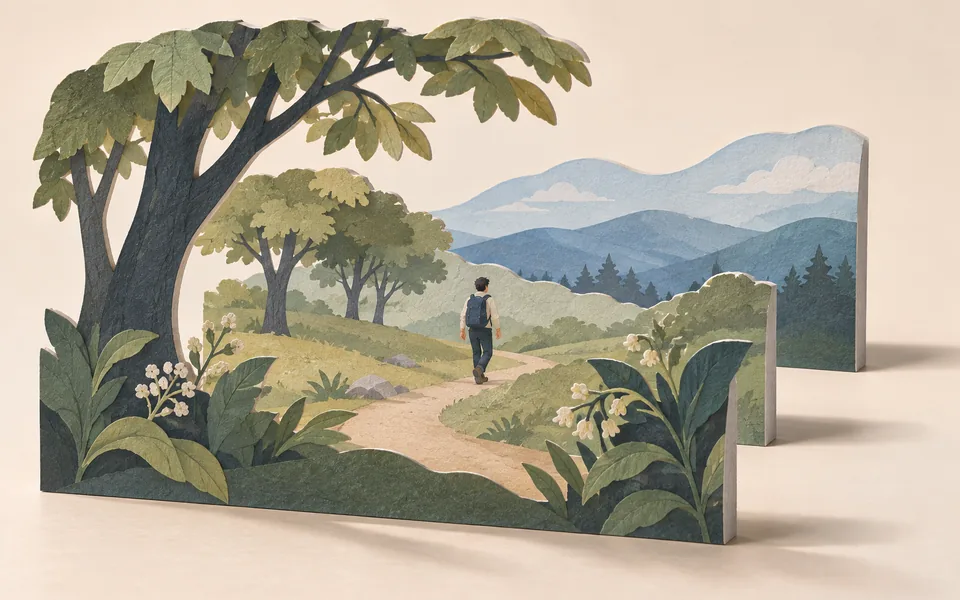
Download the depth video for tools that accept depth references. Check the next tool’s format requirements before importing it.
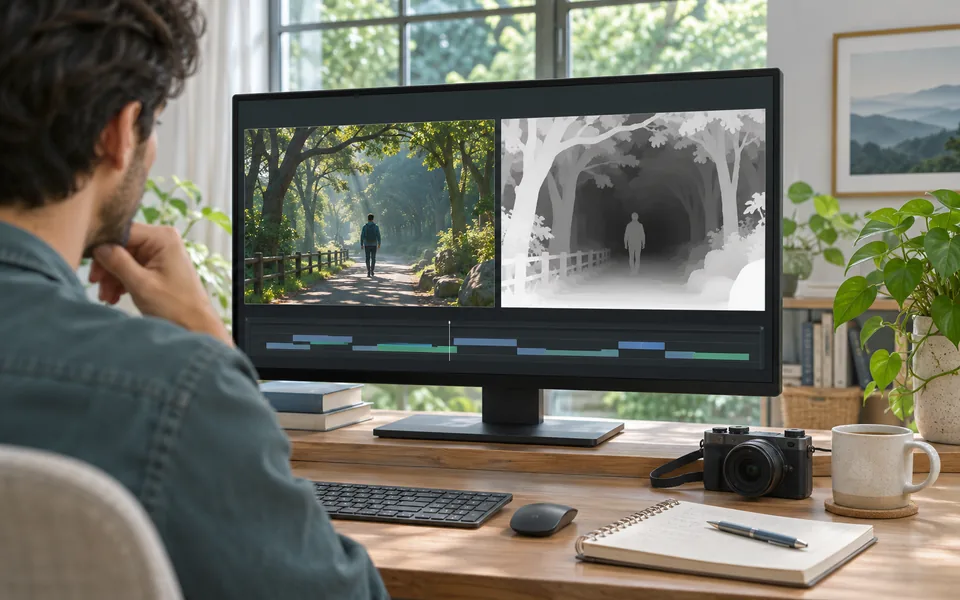
Play the source and depth clip together. Follow moving subjects and inspect occlusion changes before choosing a segment for your edit.
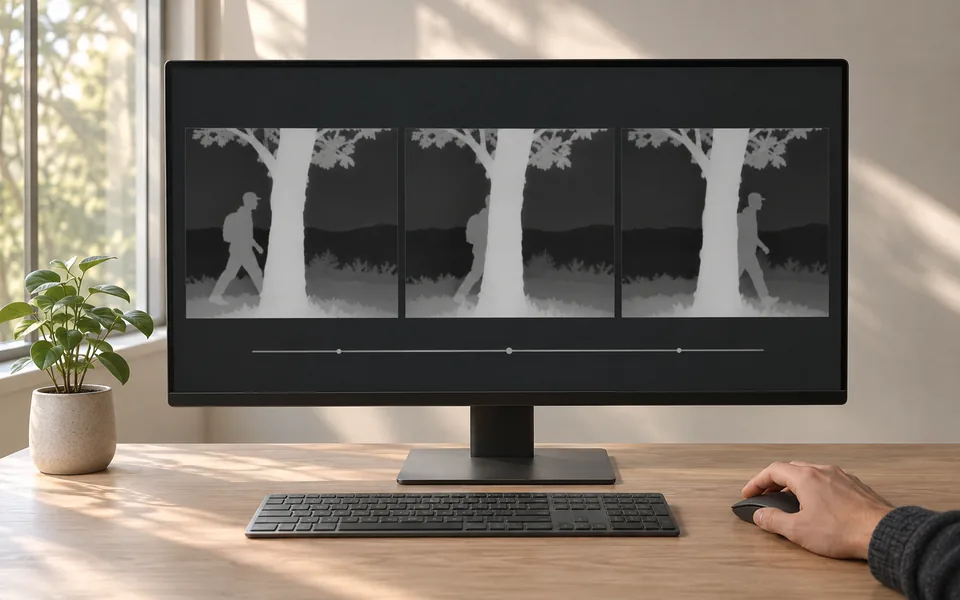
Drag to compare the supplied dance footage and depth result. Both clips are compressed for web playback.
Drag to compare the supplied dance footage and depth result. Both clips are compressed for web playback.
5 credits per input minute, with fractional minutes included. The total is rounded up to whole credits, with a minimum of 3 per task. The checked quote is fixed before processing.
Extract depthFiles are checked after upload. Keep your original.
MP4 / FLV / TS / AVI / MOV / WMV / MKV. Up to 10 GB and 10 minutes. Long edge up to 2560 pixels and short edge up to 1440 pixels; landscape and portrait supported. SDR video only.
An MP4 video encoded with HEVC (H.265), showing relative depth. Audio retention is not guaranteed; keep the original soundtrack if you need it.
Produces a relative-depth video only. No skeleton data, depth matrices, physical distance measurements or character replacement video.
Processing uses one fixed mode. There are no resolution, frame-rate or codec controls. Check the actual dimensions and frame rate of the downloaded result.
The result uses HEVC. If your browser cannot play it, download it and open it in a compatible player.
Answers about inputs, depth output, credits and files.