


More pixels, finer detail
Increase image dimensions with generative enhancement. Text, faces and textures may be reconstructed differently from the original.
Enlarge JPG, PNG and WebP images. Choose an output size and download PNG.
Up to 10 MB per file
File formats: JPG / PNG / WebP
Account-protected files, processed in the cloud. Originals: 24 hours · Results: 7 days
Prepare portraits, travel photos and creative images at a larger size while keeping their original proportions.
Increase image dimensions with generative enhancement. Text, faces and textures may be reconstructed differently from the original.
Choose 1080p, 1024 square, 2K or experimental 4K and see the actual output dimensions before starting.
Your image processes in the cloud while you carry on with your day.
Upload JPG, PNG, or WebP and download your result as a PNG image.
The selected output size determines the cost, shown before you start.
Original images are kept for 24 hours and results for 7 days. View and delete them from My files.
Upload, choose a resolution, and download your enhanced image
Choose a JPG, PNG, or WebP image.
Pick an available size, review the dimensions and credits, then start.
Compare the result, then download a PNG.
Familiar faces, favourite places, and everyday details
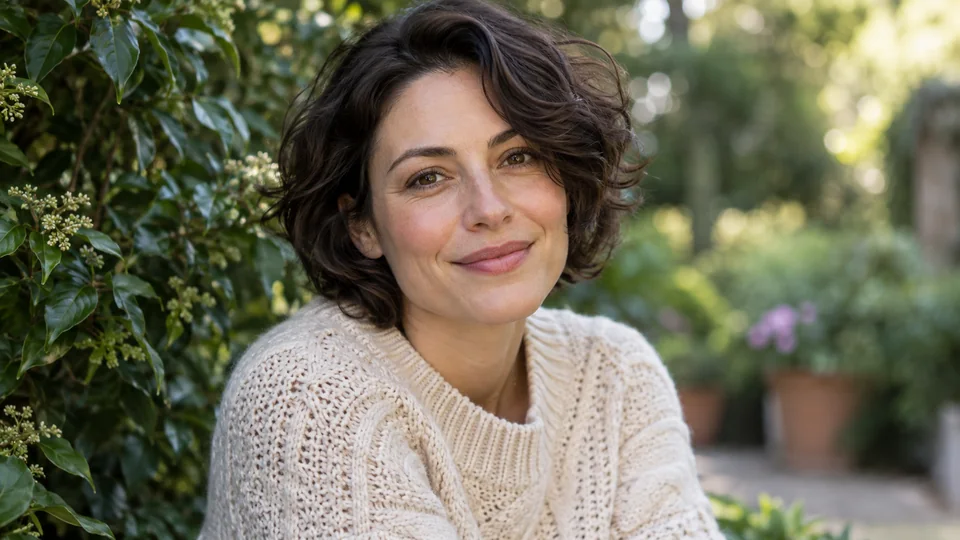
Bring portraits and everyday memories into focus. Compare skin, hair, and expressions with the original before saving.
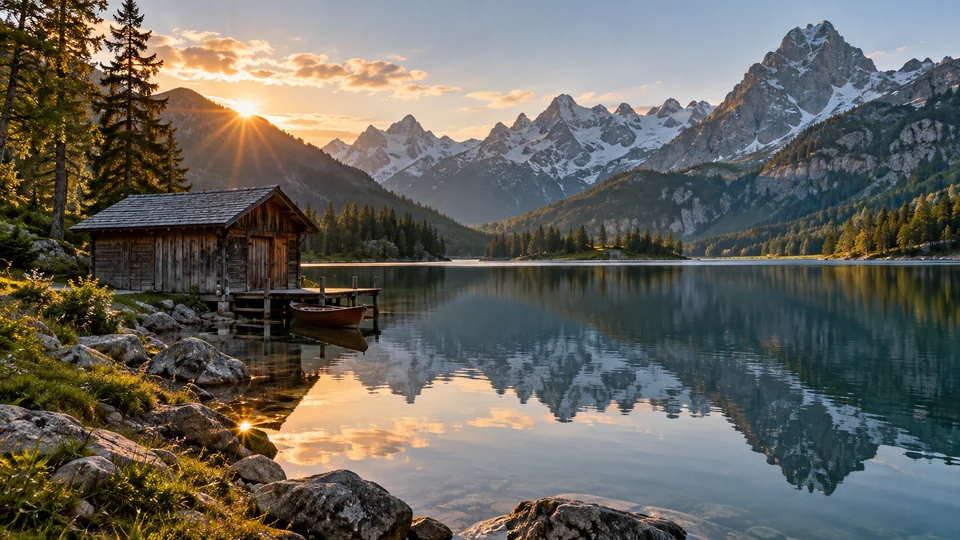
Prepare travel photos and landscapes at a larger size. Take a closer look at distant scenery and natural textures.
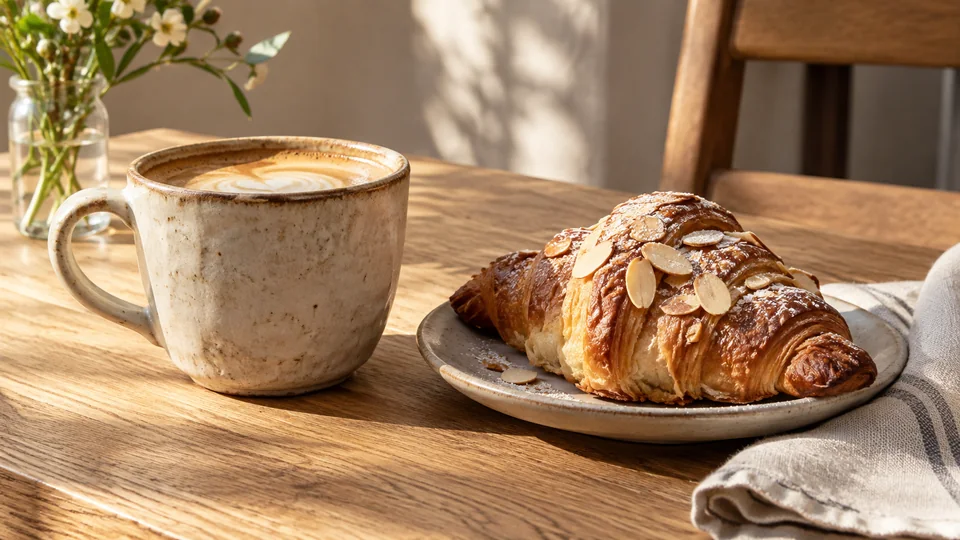
Give food, still-life, and creative photos more room. Download a PNG for your next post or design.
Drag through this clarity demonstration to compare fur textures and edge detail.


Per image: 15 credits for 1080p, 18 for square, 20 for 2K and 30 for 4K.
Upscale your imageFiles are checked after upload. Keep your original.
Static JPG, PNG and WebP images up to 10 MB are supported. The longest edge must not exceed 3840 pixels, total pixels must not exceed 8,294,400, and the aspect ratio must be between 1:3 and 3:1. The selected output cannot be smaller than the source. Use the GIF tool for animated GIFs.
Download an opaque PNG. JPG and WebP inputs are also delivered as PNG; a transparent input will not keep its transparency.
AI image upscaling can enlarge an image and attempt to improve detail, but results depend on the original. Faces, text and textures may change, and recovery of authentic detail is not guaranteed. Compare the result at full size and keep your original.
The 1080p, 2K and 4K presets preserve the original aspect ratio within their size boundaries, rounded to whole pixels. The 1024 square preset is for square images only. Custom width and height are not available, and the selected output cannot be smaller than the source.
Answers to common questions about upscaling your images