


More pixels, finer detail
Basic HD balances clarity and a natural look, while Advanced attempts stronger detail reconstruction. Results vary with the source video.
Upscale low-resolution footage to 1080p or 4K for larger screens and your next edit.
Up to 10 GB per file · The server checks input media and dimensions · 30 fps output
File formats: MP4 / FLV / TS / AVI / MOV / WMV / MKV
Stronger generative detail reconstruction. Faces, text and textures may change.
Account-protected files, processed in the cloud. Originals: 24 hours · Results: 7 days
Prepare family recordings, travel clips and creative footage for larger screens while keeping their original proportions.
Basic HD balances clarity and a natural look, while Advanced attempts stronger detail reconstruction. Results vary with the source video.
Choose 1080p or 4K while keeping the original aspect ratio. Exact dimensions depend on the source.
Process in your browser without installing a model or configuring a local GPU.
Download a 30 fps H.264 MP4. Source audio is retained when present and may be re-encoded to AAC.
Accept a fixed credit quote. You won't be charged extra when the task finishes.
Authenticated access, limited retention, and a delete control for your files.
Turn a small source into a larger video in three steps.
Choose a supported video up to 10 GB.
Pick Basic HD or Advanced enhancement, then choose 1080p or 4K.
Compare faces, textures and motion, then save the MP4.
Memories, creative projects, and new ways to share your footage
Bring older phone and camera clips to a larger screen. Compare a short sample to see how faces and familiar details change.

Prepare travel footage, social clips, and personal projects at a higher resolution. Keep the original aspect ratio and audio, then download an MP4 for the editing workflow you already know.
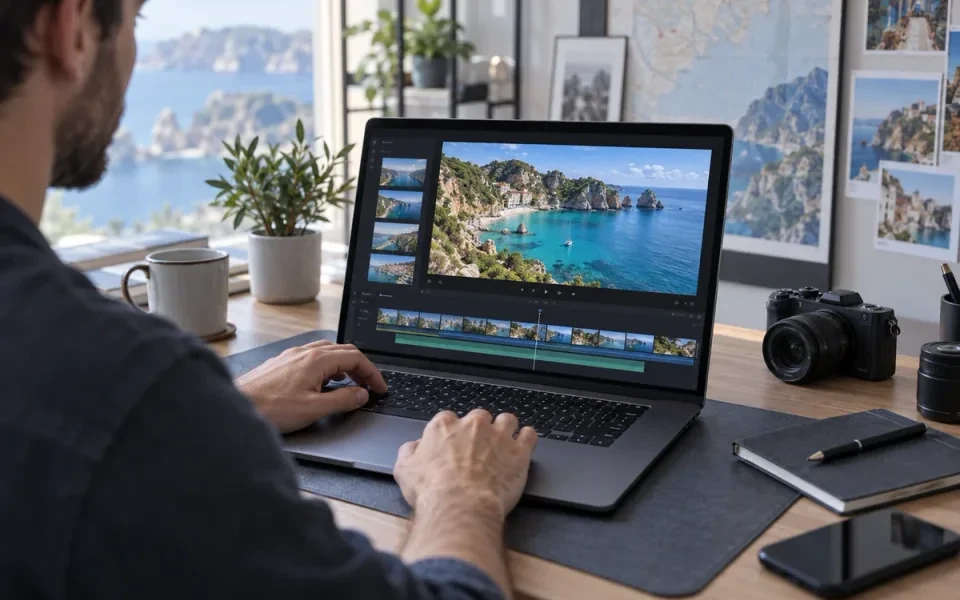
Prepare a 1080p or 4K version for larger displays while keeping the original framing. The amount of detail you gain depends on the source footage.
Drag through this clarity demonstration to compare feather textures and fine details.
Softened and clear footage, both at 720p.
Minimum 3 credits per task. For a 60-second video: Basic HD: 54 credits at 1080p · 215 at 4K. Advanced enhancement: 180 credits at 1080p · 717 at 4K.
Upscale your videoFiles are checked after upload. Keep your original.
Upload MP4, FLV, TS, AVI, MOV, WMV or MKV up to 10 GB. SDR only; HDR is unsupported. Both input edges must be at least 360 pixels. Basic HD allows a long edge up to 2560 and a short edge up to 1440; Advanced allows 1920 and 1080 respectively. There is no fixed input duration cap, but validation and successful delivery are still required.
Choose 1080p or 4K. Output must be larger than the source and preserve its proportions within the selected resolution. Review the actual dimensions and quote before starting. More pixels do not guarantee native 4K detail.
Results are 30 fps H.264 MP4 files, up to 2 GB per result. Source audio is retained when present and may be re-encoded to AAC; silent videos remain silent. Check synchronization and motion if the source frame rate differs. Use frame interpolation when your goal is a higher frame rate.
AI video upscaling increases resolution and may improve details affected by blur or compression. Results depend on the source: it cannot guarantee recovery of authentic detail or remove every artifact. Try a short clip first and compare faces, textures and motion.
Same-size enhancement is not currently supported: output dimensions must exceed the source. After checking your file, the page shows available output dimensions and the credit quote. A more expensive resolution is never selected automatically.
Choose a mode, check supported inputs and understand the result.