Google Drive
  Dropbox
 Useful presets
Start with white, studio, office, outdoor, or gradient backgrounds in one click.
 Artplayer
AI photo tool
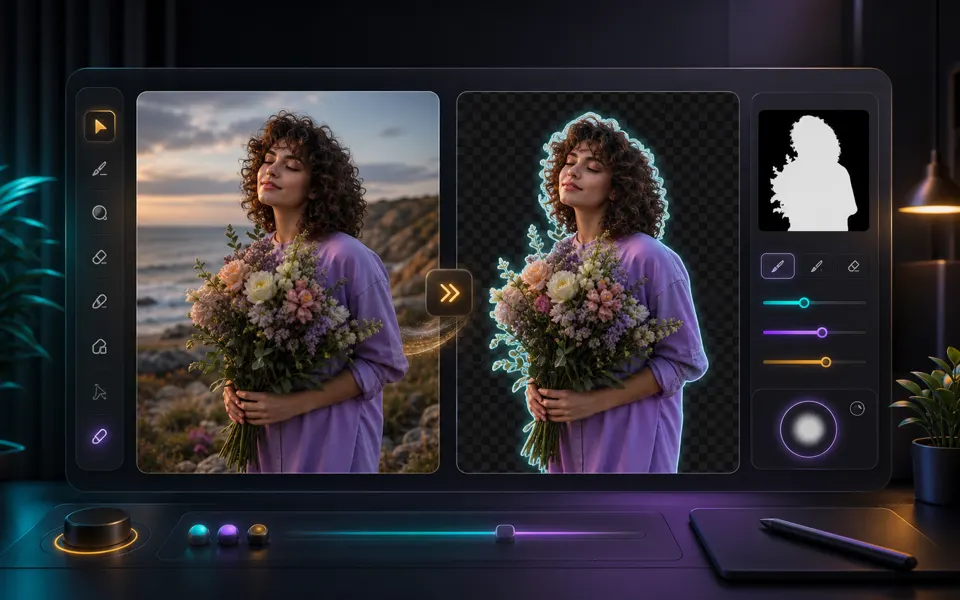
Replace a photo background with a studio, office, outdoor, gradient, or custom scene using GPT Image 2 cloud AI.
Artplayer AIThree steps to finish the browser workflow.
Replace a photo background with a studio, office, outdoor, gradient, or custom scene using GPT Image 2 cloud AI.
Upload an image, choose or describe a new background, then compare and download the changed PNG.
Check the finished result, then download the exported file.
Core details about privacy, browser support, output, and practical limits before you start.
Start with white, studio, office, outdoor, or gradient backgrounds in one click.
Describe a setting, color palette, or mood when a preset is not enough.
Choose square, landscape, or portrait output for shops, social posts, and covers.
Check supported inputs, output formats and usage requirements before you start.
| Supported input | JPG, PNG or WebP images. |
|---|---|
| Output result | Export options: PNG. |
| Processing and privacy | The selected media is sent to a remote service for processing. An internet connection is required. |
| Browser requirements | A browser with network access to the service and media source; availability and quota checks also apply. |
| Usage limits | Input up to 10 MiB. Cloud quota and service checks also apply; generated detail may differ from the original. |
| Does this change the subject or only the background? | The prompt asks GPT Image 2 to preserve the main subject, but generated edits can still change small details. Review the result before using it. |
Find quick answers about privacy, browser support, exports, and what to try when a file is heavy.
Continue editing with nearby ArtPlayer tools that work with the same local, browser-first workflow.