Google Drive
 Dropbox
100% local
No server upload; the selected video stays on this device.
 Artplayer
Browser video tool
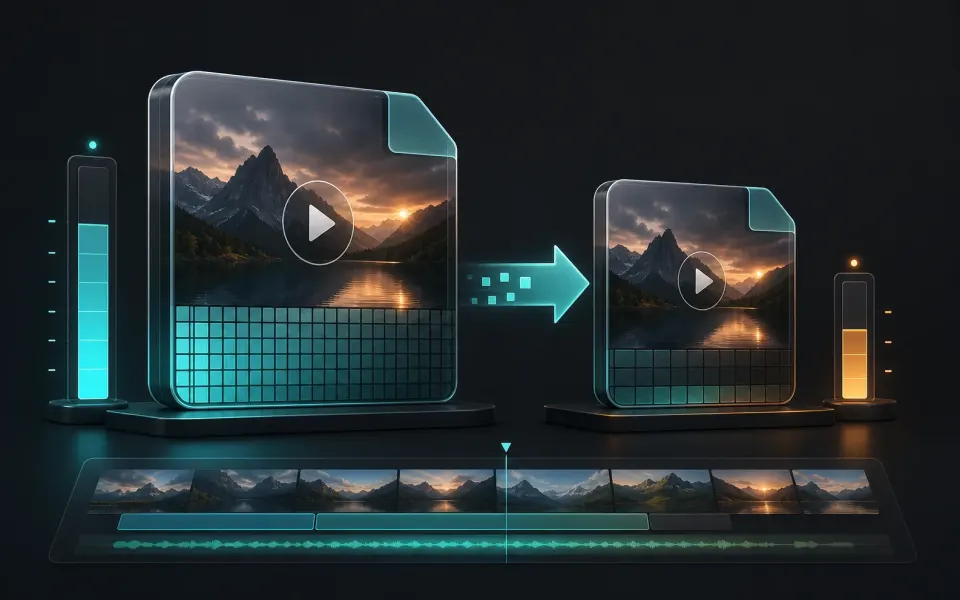
Upscale videos up to 2x for free with AI in your browser. Compare the result and download an MP4 without uploading your video.
Three steps to finish the browser workflow.
Upscale videos up to 2x for free with AI in your browser. Compare the result and download an MP4 without uploading your video.
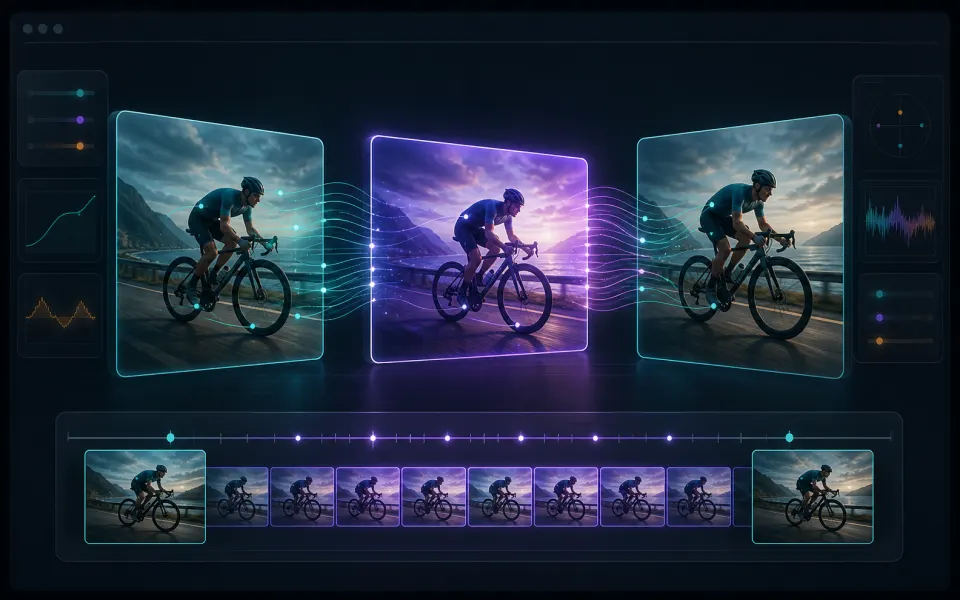
ArtPlayer loads AI super resolution model weights locally, sends frames to a browser worker, and exports a new MP4 result.
Check the finished result, then download the exported file.
Core details about privacy, browser support, output, and practical limits before you start.
No server upload; the selected video stays on this device.
Processing happens in browser APIs and local workers.
Uses WebGPU or WebGL where the browser supports it.
Check supported inputs, output formats and usage requirements before you start.
| Supported input | Video files such as MP4, MOV and WebM. Container and codec support depends on the browser and processing runtime. |
|---|---|
| Output result | Export options: MP4. |
| Processing and privacy | Processing runs on this device. Source media is not uploaded for this workflow. |
| Browser requirements | WebCodecs plus WebGPU or WebGL. The Quality model requires WebGPU; available models depend on the device. |
| Usage limits | Processing capacity depends on duration, dimensions, codecs, settings and available device memory. Large inputs can fail; keep the original file. |
| Is the output always 2x or 4K? | No. The tool targets up to 2x the source width and height. Browser encoding and device limits can reduce the output dimensions. Check the result resolution; a fixed 4K output is not guaranteed. |
Find quick answers about privacy, browser support, exports, and what to try when a file is heavy.
Continue editing with nearby ArtPlayer tools that work with the same local, browser-first workflow.