• English
  • Deutsch
  • Español
  • 中文简体
  • 中文繁體
  • 日本語
  • 한국어
  • ไทย
  • Tiếng Việt
  • From this device
  • From social platforms
  • Google Drive
  • Dropbox
  • From a file link
18
ArtPlayer logoArtplayer
ArtPlayer Editor
Artplayer AI
Subtitle EditorFree Video Tools

Video Upscaler
X GIF Downloader
Change Volume
Image Upscaler
Loop Audio

Video Screenshot
Remove Watermark
Trim Video
Pixelate Video
Merge Video
Compress Video
Video Stabilizer
Blur Video
Reverse Video
Split Video
Frame Interpolation
Fade Video
Flip Video
Image to Video
Add Audio
HLS to MP4
Remove Metadata
Countdown Video
Blur Background
Speed Video
Rotate Video
Resize Video
Adjust Video
Normalize Video
Split Screen Video
Video to GIF
Edit Metadata
Add Subtitles
Add Text
Boomerang Video
Crop Video
Remux Video
Inspect Metadata
Loop Video
Scene Splitter
M3U8 Downloader
Video Understanding
Extract Thumbnail
Video Converter
Green Screen
Pixelate Face
Mute Video
Add Watermark
Image Slideshow
Blur Face
Stop Motion Effect
Filter Video
GIF to MP4
PDF to Video
Thumbnail Sprites
Add Photo
Landscape to Portrait
Extract Tracks
Animated Circles
Add Intro Image
Video to HLS
Solid Color Video
Video Overlay
Freeze Frame
Video to Text
Sync Audio and Video

Facebook Video Downloader
X Video Downloader
TikTok Video Downloader
Instagram Video Downloader
Threads Video Downloader
Reddit Video Downloader
Pinterest Video Downloader
Pinterest GIF Downloader
Tenor GIF Downloader
GIPHY GIF Downloader
Imgur Video Downloader
Imgur GIF Downloader

Add Cover Art
Speed Audio
Join Audio
Trim Audio
Vocal Separation
Filter Audio
Extract Audio
Measure Loudness
Equalize Audio
Split Audio
Change Volume
Normalize Audio
Add Reverb
Remove Silence
Reduce Noise
Audio Visualizer
Fade Audio
Convert Audio
Change Pitch
Reverse Audio
Text to Speech
Compress Audio
Detect BPM
Speech to Text

GIF Upscaler
AI Image Expander
Remove Watermark
Old Photo Restore
Depth Map
Blind Watermark
GIF Optimizer
Image to Prompt
Background Changer
Remove Background
Remove Object
Remove AI Labels

Screen Recorder
Voice Recorder
Camera Recorder
GitHubDocsAbout

Browser video tool

Blur Video Background

Local processingMediaPipeNo upload

Blur the background around people in your videos for free. Adjust the blur, preview the result, and download an MP4 without uploading.

Source video
Drop a file here, or click to choose
0:00.0 / 0:00.0
Waiting
Choose a video, then ArtPlayer will look for the person in the preview frame.
18px
Artplayer AI

Need a vertical version of your video?

Let AI follow the main subject and reframe landscape footage to 9:16.

Reframe video with AI

How it works

Three steps to finish the browser workflow.

  1. 1

    Choose a video file

    Blur the background around people in your videos for free. Adjust the blur, preview the result, and download an MP4 without uploading.

  2. 2

    Person segmentation

    Choose a video, then ArtPlayer will look for the person in the preview frame.

  3. 3

    Blur background

    Choose a video, set the blur strength, then ArtPlayer segments the person with MediaPipe and renders the blurred background locally.

Everything you need

Core details about privacy, browser support, output, and practical limits before you start.

Person segmentation

MediaPipe separates the visible person from the scene so the subject stays clear.

Background blur

The background is blurred frame by frame while the person is composited back in sharp detail.

Local workflow

The video is processed in your browser with MediaPipe, Mediabunny, WebCodecs, and canvas rendering.

Input, output and limits

Check supported inputs, output formats and usage requirements before you start.

Supported inputVideo files such as MP4, MOV and WebM. Container and codec support depends on the browser and processing runtime.
Output resultExport options: MP4.
Processing and privacyProcessing runs on this device. Source media is not uploaded for this workflow.
Browser requirementsA browser with the decoding and encoding capabilities needed by the selected media. Available codecs vary by device.
Usage limitsProcessing capacity depends on duration, dimensions, codecs, settings and available device memory. Large inputs can fail; keep the original file.
When can background blur look imperfect?Fast movement, low light, cluttered scenes, or unusual subject edges can make segmentation less precise.

Frequently asked questions

Find quick answers about privacy, browser support, exports, and what to try when a file is heavy.

Are files uploaded for this tool?

This browser tool processes the selected media locally on this device. The file is not uploaded to ArtPlayer servers for this workflow.

Will the export have a watermark?

No. ArtPlayer browser tools do not add watermarks to exported files.

Why can processing take time?

The work runs in your browser, so speed depends on your device, browser, memory, source size, and the export settings needed for the result.

Which browsers work best?

Recent Chrome, Edge, and other modern Chromium browsers usually work best for heavier browser media processing.

What should I try if a large file fails?

Try a smaller source, close other heavy tabs, reduce resolution or duration first, and keep the tab open until the export finishes.

How does automatic background blur work?

The page uses MediaPipe person segmentation to make a person mask, blurs the full frame, then composites the sharp person back into the exported MP4.

Does the video upload anywhere?

No. The selected video, segmentation, rendering, and MP4 export run locally in your browser.

Can I blur only the background?

Yes. The tool is designed to separate the subject from the background and apply blur around the subject.

When can background blur look imperfect?

Fast movement, low light, cluttered scenes, or unusual subject edges can make segmentation less precise.

Related tools

Continue editing with nearby ArtPlayer tools that work with the same local, browser-first workflow.

Blur Video
Blur Video
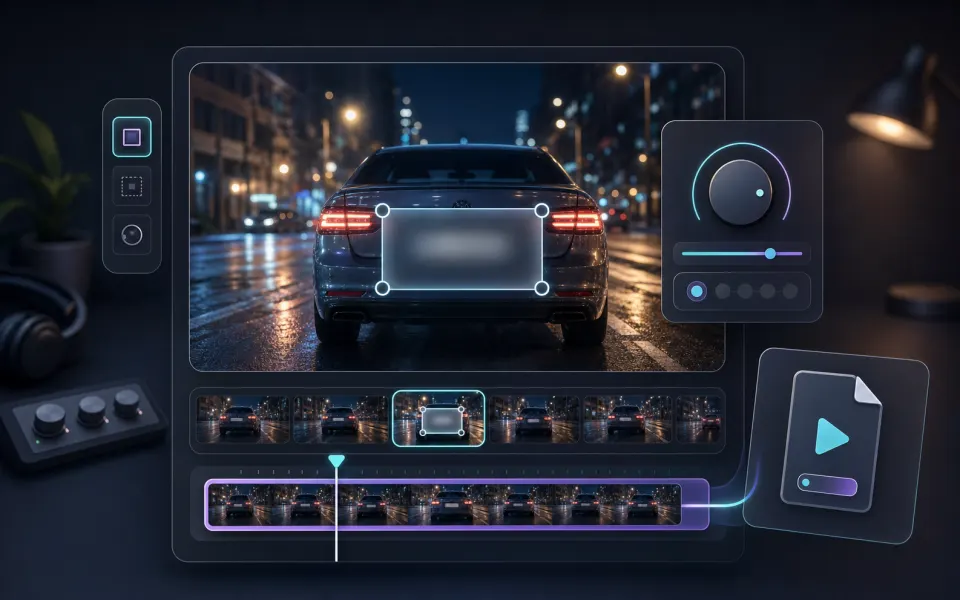
Blur a specific part of a video, then export a local MP4 for privacy.
Blur Face
Blur Face
Automatically detect faces, blur them locally, and export a privacy-ready MP4.
Green Screen
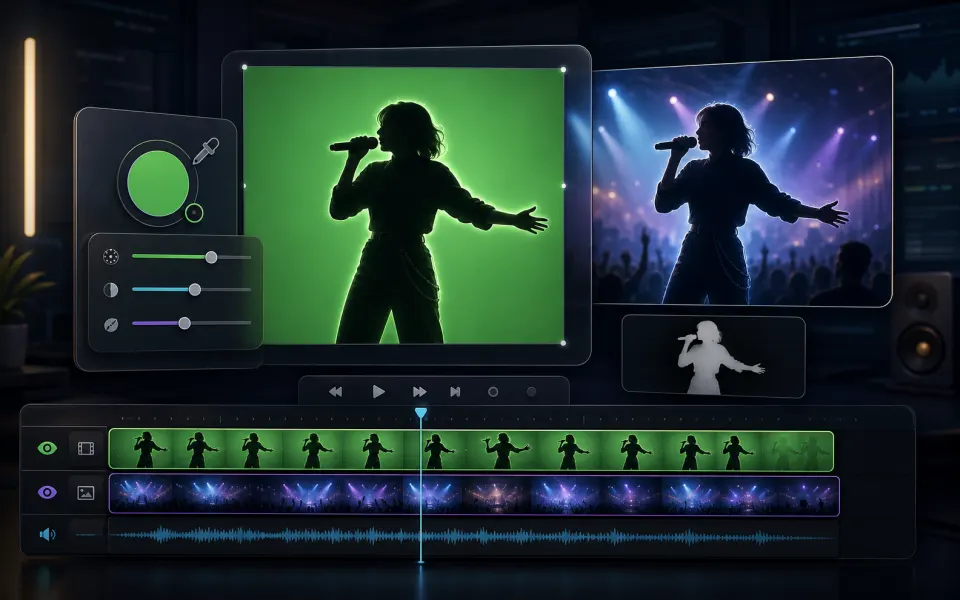
Green Screen
Remove green or blue screen backgrounds, replace them with a color or image, and export MP4 locally.
View all tools
ArtPlayer logoArtplayer

Free browser media tools for editing, converting, recording, and preparing video, audio, subtitles, and AI-assisted results.

Email us: [email protected] Buy Me a Coffee

Video tools

Change VolumeVideo ScreenshotRemove WatermarkTrim VideoPixelate VideoMerge VideoCompress VideoVideo StabilizerBlur VideoReverse Video

Audio tools

Loop AudioAdd Cover ArtSpeed AudioJoin AudioTrim AudioVocal SeparationFilter AudioExtract AudioMeasure LoudnessEqualize Audio

Image tools

Image UpscalerGIF UpscalerAI Image ExpanderRemove WatermarkOld Photo RestoreDepth MapBlind WatermarkGIF OptimizerImage to PromptBackground Changer

Downloaders

X GIF DownloaderFacebook Video DownloaderX Video DownloaderTikTok Video DownloaderInstagram Video DownloaderThreads Video DownloaderReddit Video DownloaderPinterest Video DownloaderPinterest GIF DownloaderTenor GIF Downloader

Site

Free Video ToolsTool usage statisticsArtPlayer EditorSubtitle EditorBlogAboutFAQDocs
© 2026 ArtPlayer. All rights reserved.
PrivacyTermsCookiesAcceptable UseCopyright

Essential cookies keep ArtPlayer working. You choose whether to allow optional cookies. Cookie Policy