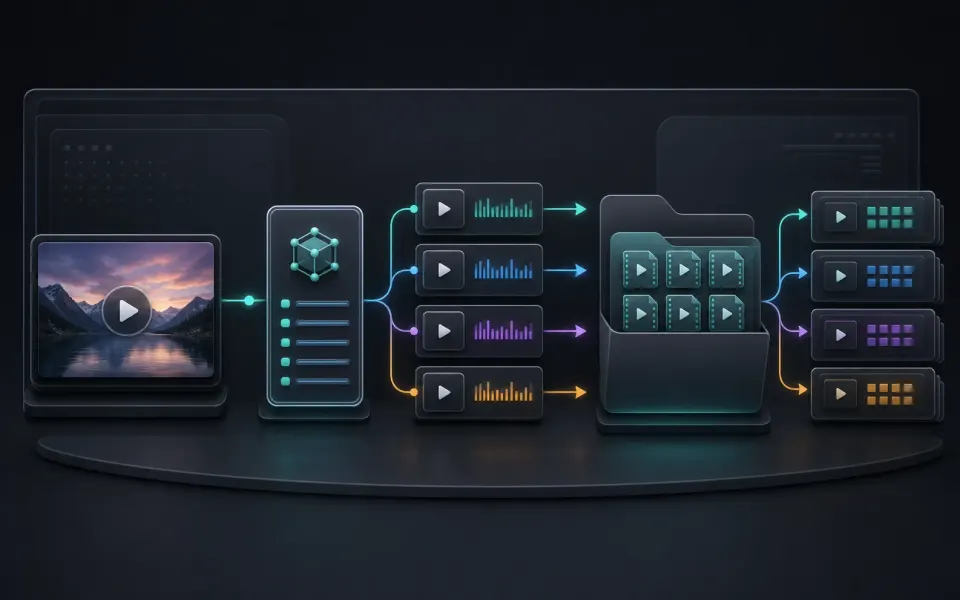
M3U8 input
Reads public remote HLS playlists and their referenced media segments.
 Artplayer
Browser HLS tool
Convert a public HLS or M3U8 stream into a downloadable MP4 directly in the browser, with a proxy fallback for CORS-blocked sources.
Artplayer AIThree steps to finish the browser workflow.
Use a public HTTP or HTTPS M3U8 URL. ArtPlayer retries CORS-blocked sources through its media proxy. DRM- or credential-protected streams are not supported.
The page reads the HLS playlist and its segments with Mediabunny, decodes the primary tracks, and writes a single MP4 file for local download.
Preview the converted file, then download it to this device.
Core details about privacy, browser support, output, and practical limits before you start.
Reads public remote HLS playlists and their referenced media segments.
Retries through the ArtPlayer media proxy when direct browser access is blocked by CORS.
Packages the primary video and audio tracks into one downloadable MP4 result.
Check supported inputs, output formats and usage requirements before you start.
| Supported input | An accessible M3U8 playlist for a complete video on demand (VOD), together with its media resources. |
|---|---|
| Output result | Export options: MP4. |
| Processing and privacy | Media is fetched from the playlist sources, with a proxy when needed. Assembly and saving run in the browser. |
| Browser requirements | A browser with the decoding and encoding capabilities needed by the selected media. Available codecs vary by device. |
| Usage limits | Accessible VOD resources are required. Live streams and DRM bypass are unsupported; source access and browser storage can limit saving. |
| Can this bypass DRM or private streams? | No. The tool does not bypass protection and only works with accessible streams. |
Find quick answers about privacy, browser support, exports, and what to try when a file is heavy.
Continue editing with nearby ArtPlayer tools that work with the same local, browser-first workflow.