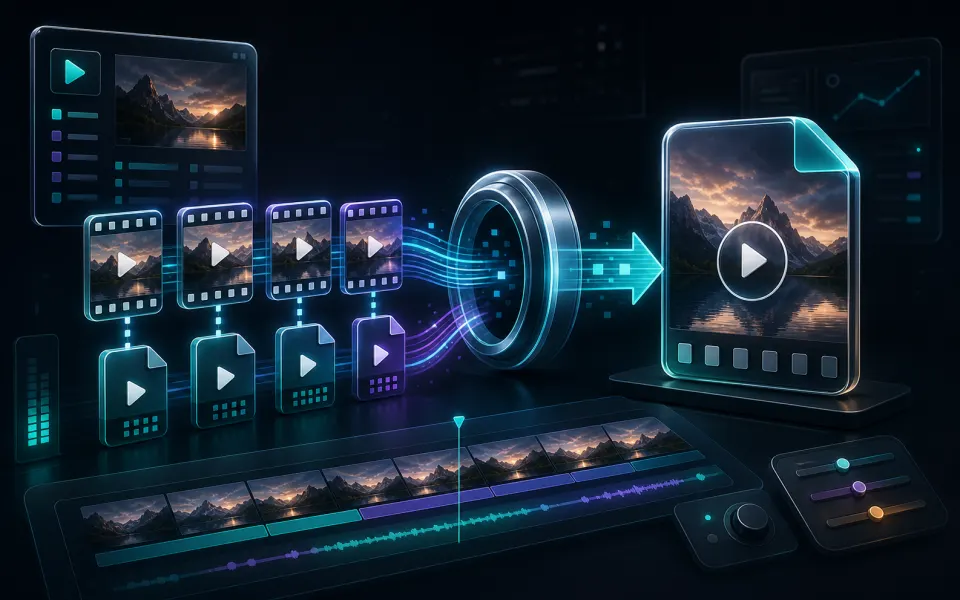
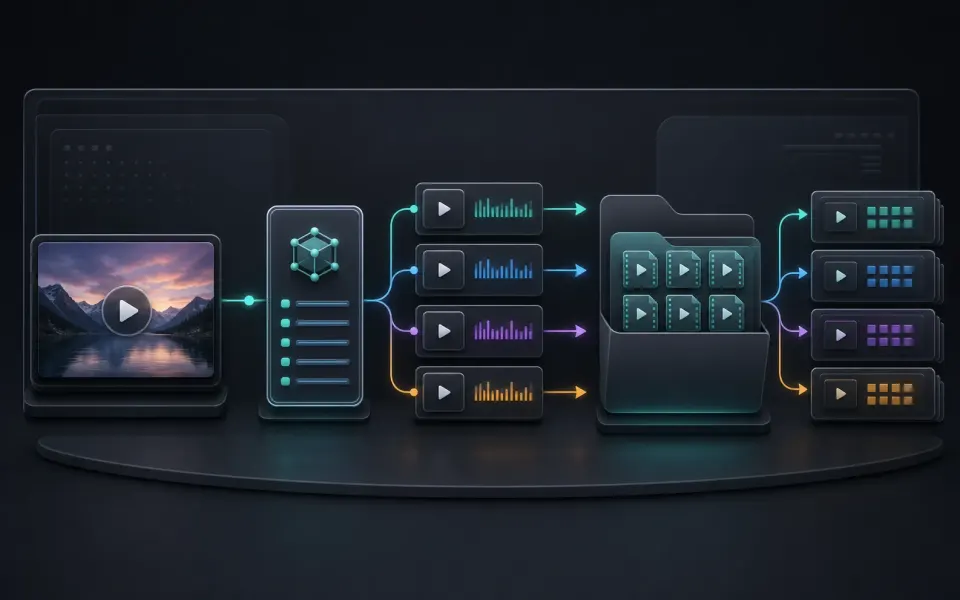
No re-encoding
Playlists, segments, init files, and supported AES-128 keys are saved in their original form.
 Artplayer
Browser HLS utility
Download an accessible VOD M3U8 playlist as an original HLS folder package without re-encoding.
Artplayer AIThree steps to finish the browser workflow.
Use an accessible VOD playlist. Live, DRM, and private streams are not supported.
Choose a preferred video quality.
Choose a local folder for the playlist and media files.
Fetch the original resources and write the HLS package.
Core details about privacy, browser support, output, and practical limits before you start.
Playlists, segments, init files, and supported AES-128 keys are saved in their original form.
The package is written to your selected folder through the browser File System Access API.
Open master.m3u8 with a compatible player after the download finishes.
Check supported inputs, output formats and usage requirements before you start.
| Supported input | An accessible M3U8 playlist for a complete video on demand (VOD), together with its media resources. |
|---|---|
| Output result | An HLS folder containing playlists and media segments, saved to a directory you choose. |
| Processing and privacy | Media is fetched from the playlist sources, with a proxy when needed. Assembly and saving run in the browser. |
| Browser requirements | Saving to a folder requires File System Access support and your permission. Local HLS preview also requires compatible media playback. |
| Usage limits | Accessible VOD resources are required. Live streams and DRM bypass are unsupported; source access and browser storage can limit saving. |
| Does it support live streams or DRM? | Not yet. The downloader supports accessible finished VOD playlists, clear HLS, and AES-128 encryption; it does not bypass DRM or private access controls. |
Find quick answers about privacy, browser support, exports, and what to try when a file is heavy.
Continue editing with nearby ArtPlayer tools that work with the same local, browser-first workflow.