01
Use the preview to check what was detected
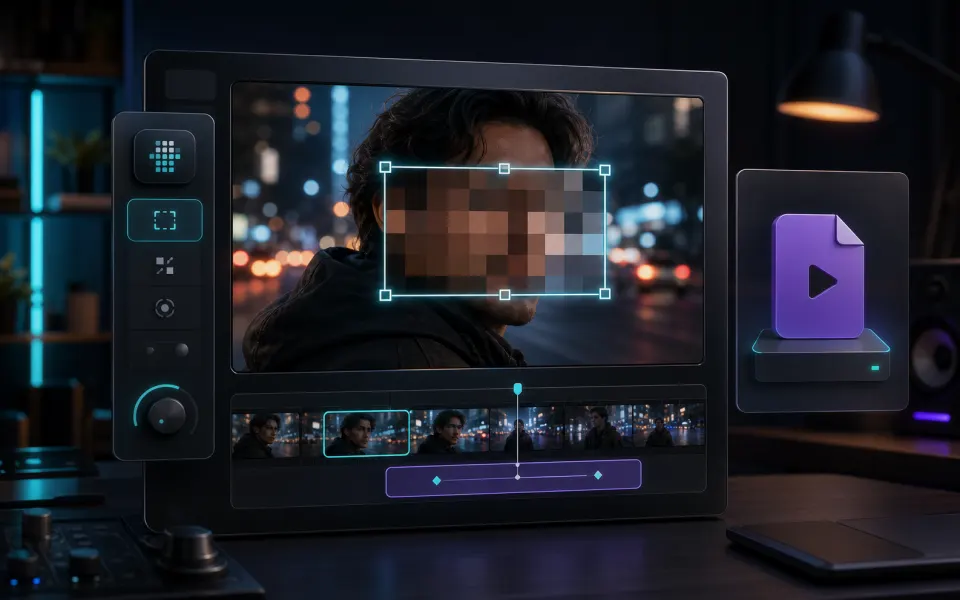
The browser face detector highlights the faces it can identify in the selected video. Use the preview to notice missed detections, small or distant faces, and moments where a person enters the frame before you commit to an export.
- Preview the beginning, middle, and busiest sections of the clip.
- Look for faces that are small, turned away, partly hidden, or briefly visible.
- Do not publish sensitive footage until the exported result has been reviewed.
02
Choose a strength that survives playback and export
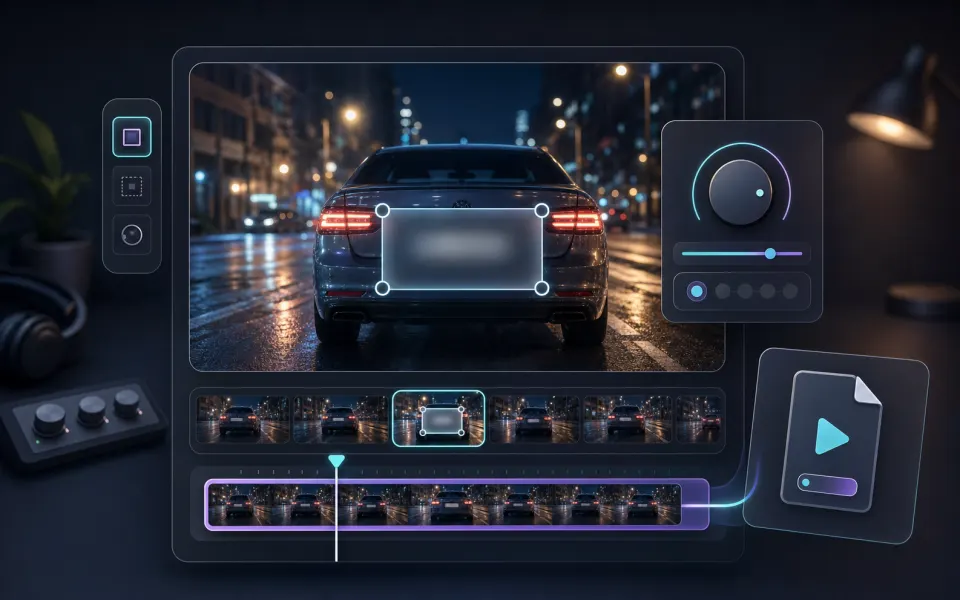
A blur that looks sufficient on a small preview may reveal details when the video is enlarged or paused. Increase the strength when the subject is close to the camera, then inspect the downloaded MP4 at the size and speed where other people will see it.
- Use a stronger blur for close-up faces or high-resolution footage.
- Review fast cuts and camera movement rather than only a still frame.
- Use Pixelate Video or Blur Video when you need a broader manual privacy edit.