• English
  • Deutsch
  • Español
  • 中文简体
  • 中文繁體
  • 日本語
  • 한국어
  • ไทย
  • Tiếng Việt
ArtPlayer logoArtplayer
ArtPlayer Editor
Artplayer AI
Subtitle EditorFree Video Tools

Video Upscaler
X GIF Downloader
Change Volume
Image Upscaler
Loop Audio

Video Screenshot
Remove Watermark
Trim Video
Pixelate Video
Merge Video
Compress Video
Video Stabilizer
Blur Video
Reverse Video
Split Video
Frame Interpolation
Fade Video
Flip Video
Image to Video
Add Audio
HLS to MP4
Remove Metadata
Countdown Video
Blur Background
Speed Video
Rotate Video
Resize Video
Adjust Video
Normalize Video
Split Screen Video
Video to GIF
Edit Metadata
Add Subtitles
Add Text
Boomerang Video
Crop Video
Remux Video
Inspect Metadata
Loop Video
Scene Splitter
M3U8 Downloader
Video Understanding
Extract Thumbnail
Video Converter
Green Screen
Pixelate Face
Mute Video
Add Watermark
Image Slideshow
Blur Face
Stop Motion Effect
Filter Video
GIF to MP4
PDF to Video
Thumbnail Sprites
Add Photo
Landscape to Portrait
Extract Tracks
Animated Circles
Add Intro Image
Video to HLS
Solid Color Video
Video Overlay
Freeze Frame
Video to Text
Sync Audio and Video

Facebook Video Downloader
X Video Downloader
TikTok Video Downloader
Instagram Video Downloader
Threads Video Downloader
Reddit Video Downloader
Pinterest Video Downloader
Pinterest GIF Downloader
Tenor GIF Downloader
GIPHY GIF Downloader
Imgur Video Downloader
Imgur GIF Downloader

Add Cover Art
Speed Audio
Join Audio
Trim Audio
Vocal Separation
Filter Audio
Extract Audio
Measure Loudness
Equalize Audio
Split Audio
Change Volume
Normalize Audio
Add Reverb
Remove Silence
Reduce Noise
Audio Visualizer
Fade Audio
Convert Audio
Change Pitch
Reverse Audio
Text to Speech
Compress Audio
Detect BPM
Speech to Text

GIF Upscaler
AI Image Expander
Remove Watermark
Old Photo Restore
Depth Map
Blind Watermark
GIF Optimizer
Image to Prompt
Background Changer
Remove Background
Remove Object
Remove AI Labels

Screen Recorder
Voice Recorder
Camera Recorder
GitHubDocsAbout

MP4 audio extraction

Extract Audio from MP4

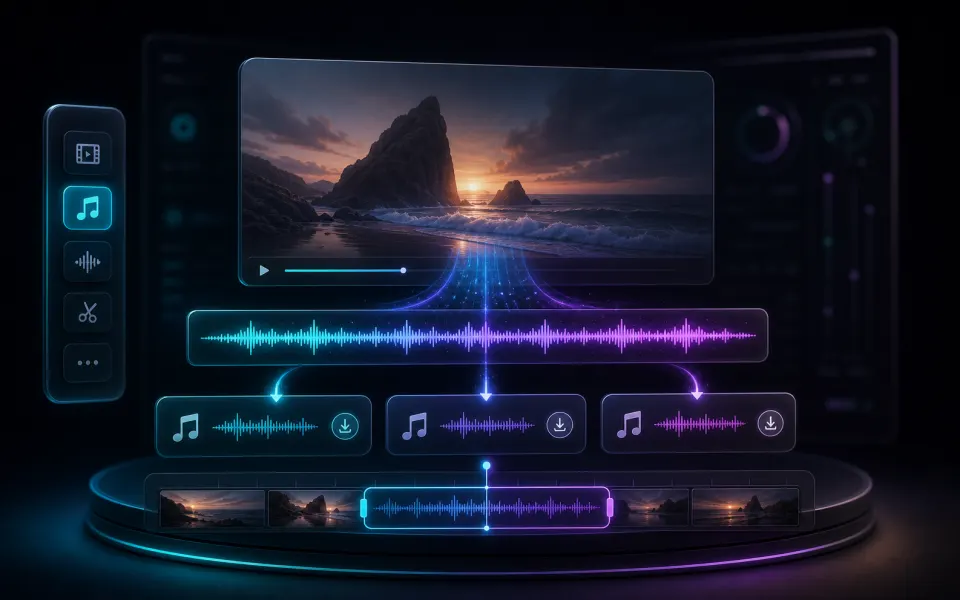
Turn an MP4 video track into a standalone audio file for editing, transcription, or sharing.

Extract MP4 audio Convert audio

Pick an audio format for the next step

Extraction separates the soundtrack from the picture. The best output format depends on whether you value compatibility, editing quality, or a smaller file.

01

Choose MP3, WAV, or M4A deliberately

MP3 is a practical default for sharing and broad playback support. WAV uses much more storage but is convenient for editing and analysis because it is uncompressed. M4A can preserve efficient AAC audio when that container fits the software you plan to use next.

  • Choose MP3 for portable listening and easy sharing.
  • Choose WAV for an editing-friendly uncompressed copy.
  • Choose M4A when an AAC-based workflow is preferred.
02

Inspect the source track first

An MP4 can contain silence, multiple tracks, unsupported audio, or no audio at all. Listen to the source before export and check the downloaded file afterward, especially when the recording uses unusual channels, a variable timeline, or a codec your browser cannot decode.

  • Confirm the MP4 actually contains the audio you expect.
  • Check duration and playback after downloading the result.
  • Use Audio Converter afterward if another format is required.
Artplayer AI

Take your next edit further with AI.

Enhance videos, restore photos or separate audio with Artplayer AI.

Explore Artplayer AI

How it works

Three steps to finish the browser workflow.

  1. 1

    Select an MP4

    Open the audio extractor and choose the MP4 file.

  2. 2

    Pick an audio format

    Select MP3, WAV, or M4A for the exported audio.

  3. 3

    Download audio

    Run extraction in the browser and save the audio file.

Everything you need

Core details about privacy, browser support, output, and practical limits before you start.

Extract audio from MP4 locally

Choose MP3 for broad compatibility and small files.

Export MP3, WAV, or M4A

Choose WAV when you need an editing-friendly uncompressed audio file.

No watermark or account required

If the source MP4 has no audio track, there is nothing to extract.

Frequently asked questions

Quick answers about privacy, output, and practical limits before you start.

Can I extract MP3 from MP4?

Yes. Open the extractor, choose MP3 as the output format, and export the audio track.

Does this remove the video?

The exported file is audio-only; the original MP4 remains unchanged on your device.

Are MP4 files uploaded?

No. The linked extractor runs locally in your browser.

Related tools

Continue editing with nearby ArtPlayer tools that work with the same browser-first workflow.

Extract Audio
Extract Audio
Extract MP3, WAV, or M4A audio from a video without uploading the file.
Audio Converter
Audio Converter
Convert audio files or extract audio from video into MP3, WAV, or AAC.
Audio Trimmer
Audio Trimmer
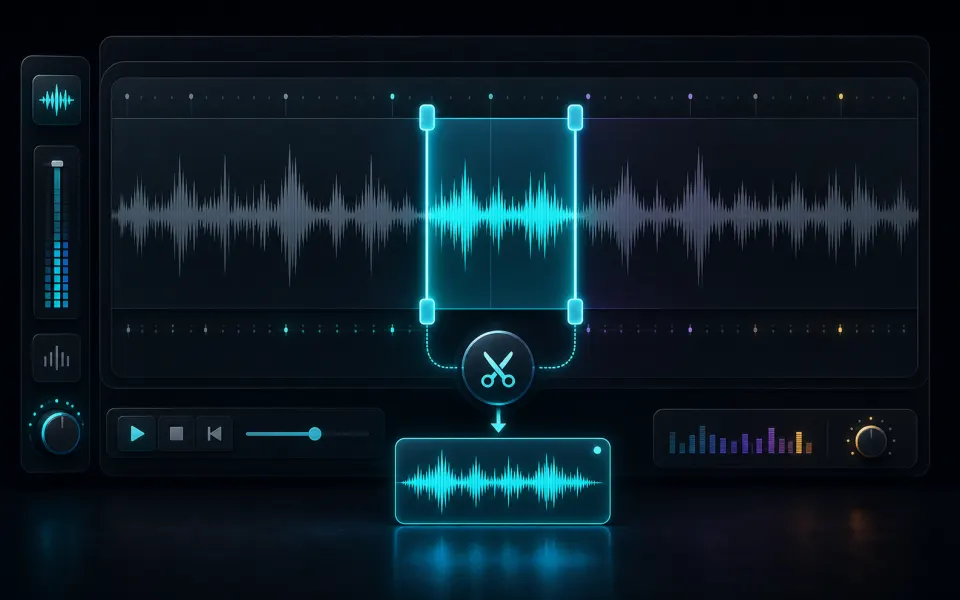
Cut an audio file to an exact range and export MP3, WAV, or M4A locally.
View all tools
ArtPlayer logoArtplayer

Free browser media tools for editing, converting, recording, and preparing video, audio, subtitles, and AI-assisted results.

Email us: [email protected] Buy Me a Coffee

Video tools

Change VolumeVideo ScreenshotRemove WatermarkTrim VideoPixelate VideoMerge VideoCompress VideoVideo StabilizerBlur VideoReverse Video

Audio tools

Loop AudioAdd Cover ArtSpeed AudioJoin AudioTrim AudioVocal SeparationFilter AudioExtract AudioMeasure LoudnessEqualize Audio

Image tools

Image UpscalerGIF UpscalerAI Image ExpanderRemove WatermarkOld Photo RestoreDepth MapBlind WatermarkGIF OptimizerImage to PromptBackground Changer

Downloaders

X GIF DownloaderFacebook Video DownloaderX Video DownloaderTikTok Video DownloaderInstagram Video DownloaderThreads Video DownloaderReddit Video DownloaderPinterest Video DownloaderPinterest GIF DownloaderTenor GIF Downloader

Site

Free Video ToolsTool usage statisticsArtPlayer EditorSubtitle EditorBlogAboutFAQDocs
© 2026 ArtPlayer. All rights reserved.
PrivacyTermsCookiesAcceptable UseCopyright

Essential cookies keep ArtPlayer working. You choose whether to allow optional cookies. Cookie Policy