01
Capture the exact frame you need
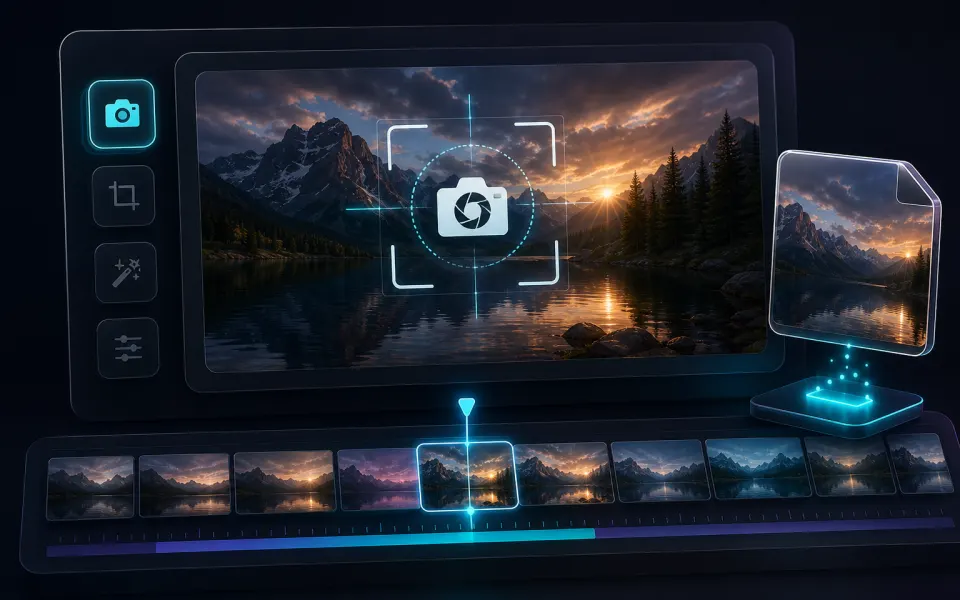
Pause on the moment that matters when you need one clean still from a video. A frame extracted from the source is more useful than a browser window screenshot because it avoids player controls, browser chrome, and accidental overlays in the saved image.
- Use Video Screenshot for one timestamp and a quick PNG or JPG download.
- Inspect the frame at the source video dimensions before using it as a thumbnail.
- Choose PNG when text, UI elements, or later editing need crisp edges.
02
Extract a batch without creating unnecessary files
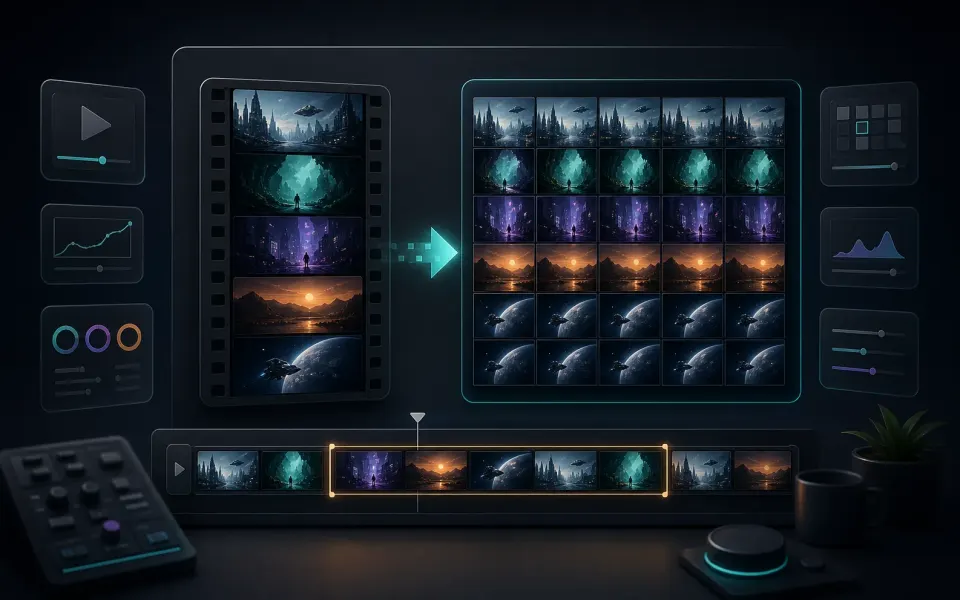
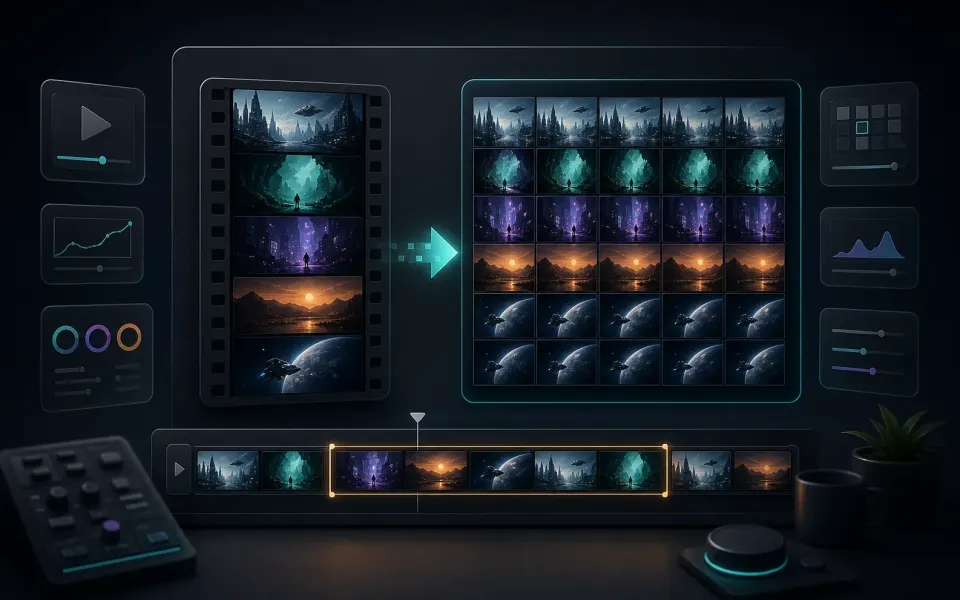
For a sequence, choose a frame count or time interval that answers the question you have. Extracting every frame from a long or high-frame-rate video can create a large result, while a small representative sample is often enough for thumbnails, scene review, or reference work.
- Use count mode for a fixed number of evenly spaced images.
- Use interval mode when the timeline matters more than the total count.
- Download a ZIP when you need to keep a batch together and organized.