• English
  • Deutsch
  • Español
  • 中文简体
  • 中文繁體
  • 日本語
  • 한국어
  • ไทย
  • Tiếng Việt
ArtPlayer logoArtplayer
ArtPlayer Editor
Artplayer AI
Subtitle EditorFree Video Tools

Video Upscaler
X GIF Downloader
Change Volume
Image Upscaler
Loop Audio

Video Screenshot
Remove Watermark
Trim Video
Pixelate Video
Merge Video
Compress Video
Video Stabilizer
Blur Video
Reverse Video
Split Video
Frame Interpolation
Fade Video
Flip Video
Image to Video
Add Audio
HLS to MP4
Remove Metadata
Countdown Video
Blur Background
Speed Video
Rotate Video
Resize Video
Adjust Video
Normalize Video
Split Screen Video
Video to GIF
Edit Metadata
Add Subtitles
Add Text
Boomerang Video
Crop Video
Remux Video
Inspect Metadata
Loop Video
Scene Splitter
M3U8 Downloader
Video Understanding
Extract Thumbnail
Video Converter
Green Screen
Pixelate Face
Mute Video
Add Watermark
Image Slideshow
Blur Face
Stop Motion Effect
Filter Video
GIF to MP4
PDF to Video
Thumbnail Sprites
Add Photo
Landscape to Portrait
Extract Tracks
Animated Circles
Add Intro Image
Video to HLS
Solid Color Video
Video Overlay
Freeze Frame
Video to Text
Sync Audio and Video

Facebook Video Downloader
X Video Downloader
TikTok Video Downloader
Instagram Video Downloader
Threads Video Downloader
Reddit Video Downloader
Pinterest Video Downloader
Pinterest GIF Downloader
Tenor GIF Downloader
GIPHY GIF Downloader
Imgur Video Downloader
Imgur GIF Downloader

Add Cover Art
Speed Audio
Join Audio
Trim Audio
Vocal Separation
Filter Audio
Extract Audio
Measure Loudness
Equalize Audio
Split Audio
Change Volume
Normalize Audio
Add Reverb
Remove Silence
Reduce Noise
Audio Visualizer
Fade Audio
Convert Audio
Change Pitch
Reverse Audio
Text to Speech
Compress Audio
Detect BPM
Speech to Text

GIF Upscaler
AI Image Expander
Remove Watermark
Old Photo Restore
Depth Map
Blind Watermark
GIF Optimizer
Image to Prompt
Background Changer
Remove Background
Remove Object
Remove AI Labels
AI Image to GIF

Screen Recorder
Voice Recorder
Camera Recorder
GitHubDocsAbout

Clean video trimming

Trim Video Without Watermark

Cut away unwanted starts, endings, or pauses while keeping the original file on your device.

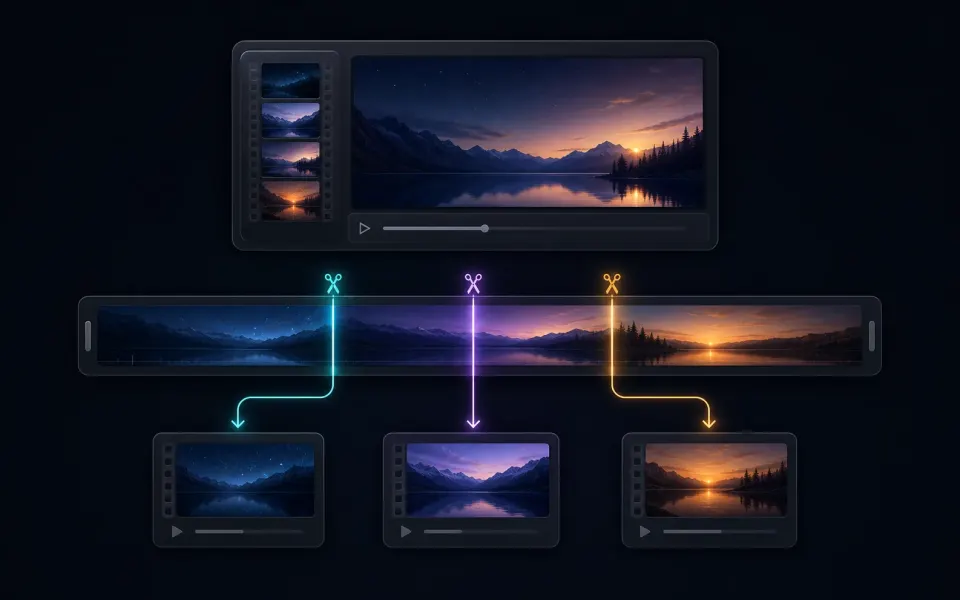
Trim without watermark Split video

Make a clean, accurate video cut

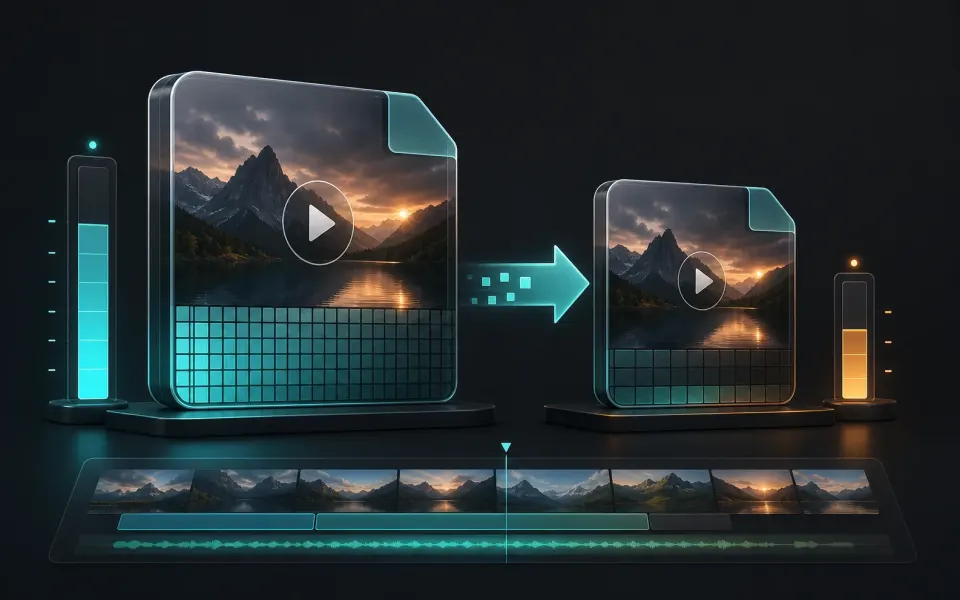
Trimming changes the kept time range rather than the original file. Preview both boundaries carefully so the result starts and ends where viewers expect.

01

Set useful start and end points

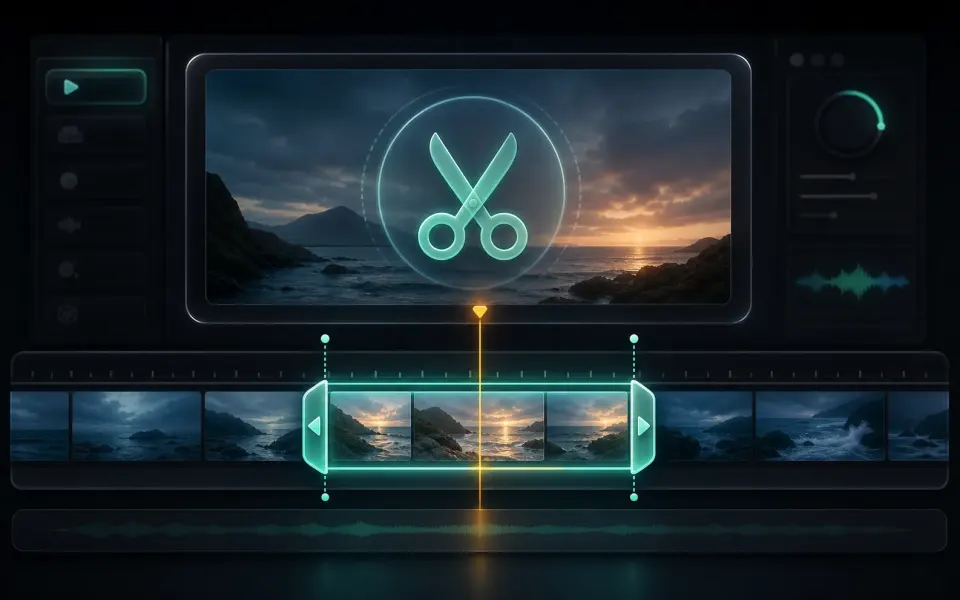
Leave enough context at the beginning for speech and motion to feel natural, and avoid cutting the final word, transition, or action at the end. When a precise boundary matters, preview a few seconds around each cut before starting the export.

  • Remove setup time, blank frames, and accidental recording tails.
  • Listen for clipped syllables when dialogue crosses a boundary.
  • Keep the selected range focused before compressing or sharing.
02

Protect the original recording

The browser creates a new MP4 and does not rewrite the source file. Keep that original until you confirm the output duration, audio synchronization, and playback. If the cut needs revision, start again from the source instead of trimming an already processed copy.

  • Preview the first and last seconds of the exported MP4.
  • Check that audio and video remain aligned.
  • Use Split Video when several separate clips are needed.
Artplayer AI

Take your next edit further with AI.

Enhance videos, restore photos or separate audio with Artplayer AI.

Explore Artplayer AI

How it works

Three steps to finish the browser workflow.

  1. 1

    Select your video

    Open Trim Video and choose the source file from your device.

  2. 2

    Set the range

    Move the start and end controls to keep only the part you want.

  3. 3

    Download clean MP4

    Export the trimmed result without adding a watermark.

Everything you need

Core details about privacy, browser support, output, and practical limits before you start.

Precise start and end time selection

Preview the selected range before exporting.

Watermark-free MP4 export

Trim first when you need a smaller file before compression.

Local browser trimming workflow

The original file stays unchanged; the tool creates a new output.

Frequently asked questions

Quick answers about privacy, output, and practical limits before you start.

Does ArtPlayer add a watermark?

No. The trim workflow exports a clean MP4 without an ArtPlayer watermark.

Is the original video changed?

No. The original file stays on your device and the browser creates a new trimmed output.

Can I trim a video before compressing it?

Yes. Trimming first is a good way to reduce duration before using the video compressor.

Related tools

Continue editing with nearby ArtPlayer tools that work with the same browser-first workflow.

Trim Video
Trim Video
Cut a clip by choosing exact start and end times before exporting a new MP4.
Split Video
Split Video
Split one video into several MP4 clips by equal parts or a target clip length.
Compress Video
Compress Video
Reduce video file size with simple presets and local browser processing.
View all tools
ArtPlayer logoArtplayer

Free browser media tools for editing, converting, recording, and preparing video, audio, subtitles, and AI-assisted results.

Email us: [email protected] Buy Me a Coffee

Video tools

Change VolumeVideo ScreenshotRemove WatermarkTrim VideoPixelate VideoMerge VideoCompress VideoVideo StabilizerBlur VideoReverse Video

Audio tools

Loop AudioAdd Cover ArtSpeed AudioJoin AudioTrim AudioVocal SeparationFilter AudioExtract AudioMeasure LoudnessEqualize Audio

Image tools

Image UpscalerGIF UpscalerAI Image ExpanderRemove WatermarkOld Photo RestoreDepth MapBlind WatermarkGIF OptimizerImage to PromptBackground Changer

Downloaders

X GIF DownloaderFacebook Video DownloaderX Video DownloaderTikTok Video DownloaderInstagram Video DownloaderThreads Video DownloaderReddit Video DownloaderPinterest Video DownloaderPinterest GIF DownloaderTenor GIF Downloader

Site

Free Video ToolsTool usage statisticsArtPlayer EditorSubtitle EditorBlogAboutFAQDocs
© 2026 ArtPlayer. All rights reserved.
PrivacyTermsCookiesAcceptable UseCopyright

Essential cookies keep ArtPlayer working. You choose whether to allow optional cookies. Cookie Policy